


Metrics can be viewed from your Workspace Overview or from a Campaign's Overview.
There are 2 important metrics above your campaign metrics:
Pipeline Value
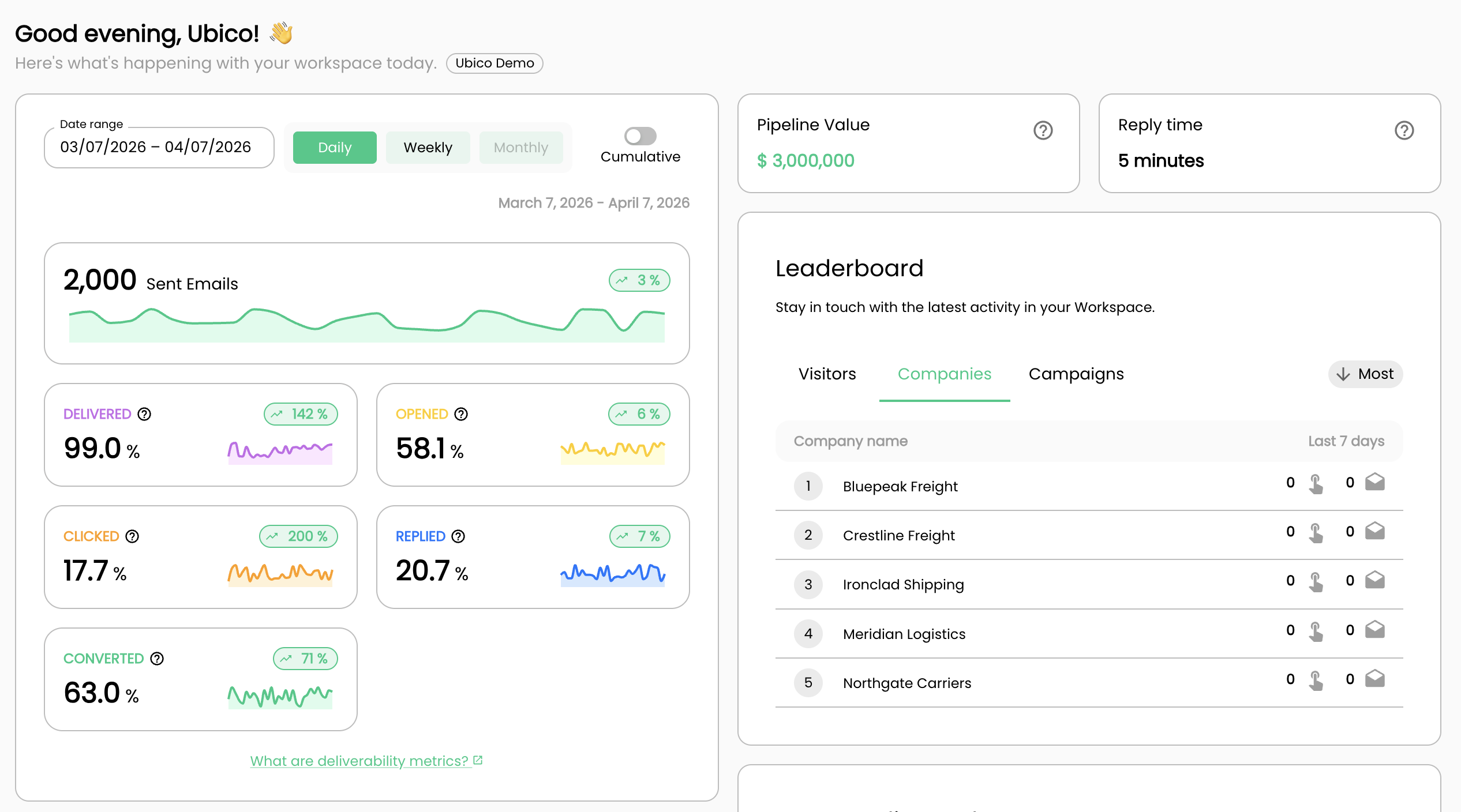
Dollar amount of new pipeline that is directly attributed from your Ubico campaigns. The way this is calculated is the following: # of interested conversations X your average contract value.
Your average contract value is set in the Account Details page located in your settings. This amount is set by default in the onboarding when you first create an account.
Reply Time
Average time it takes you to reply to an interested response. This is calculated automatically by looking at the timestamps between the time you received a response, and the time it takes you to respond. Only your first replies to a new interested conversations is calculated - we do not measure the reply time to other types of responses such as Not Now, Objection and others.
Journeys

Journey metrics show how your People perform within a Campaign journey. Workspace-level metrics reflect average performance across all Campaigns.
Deliverability
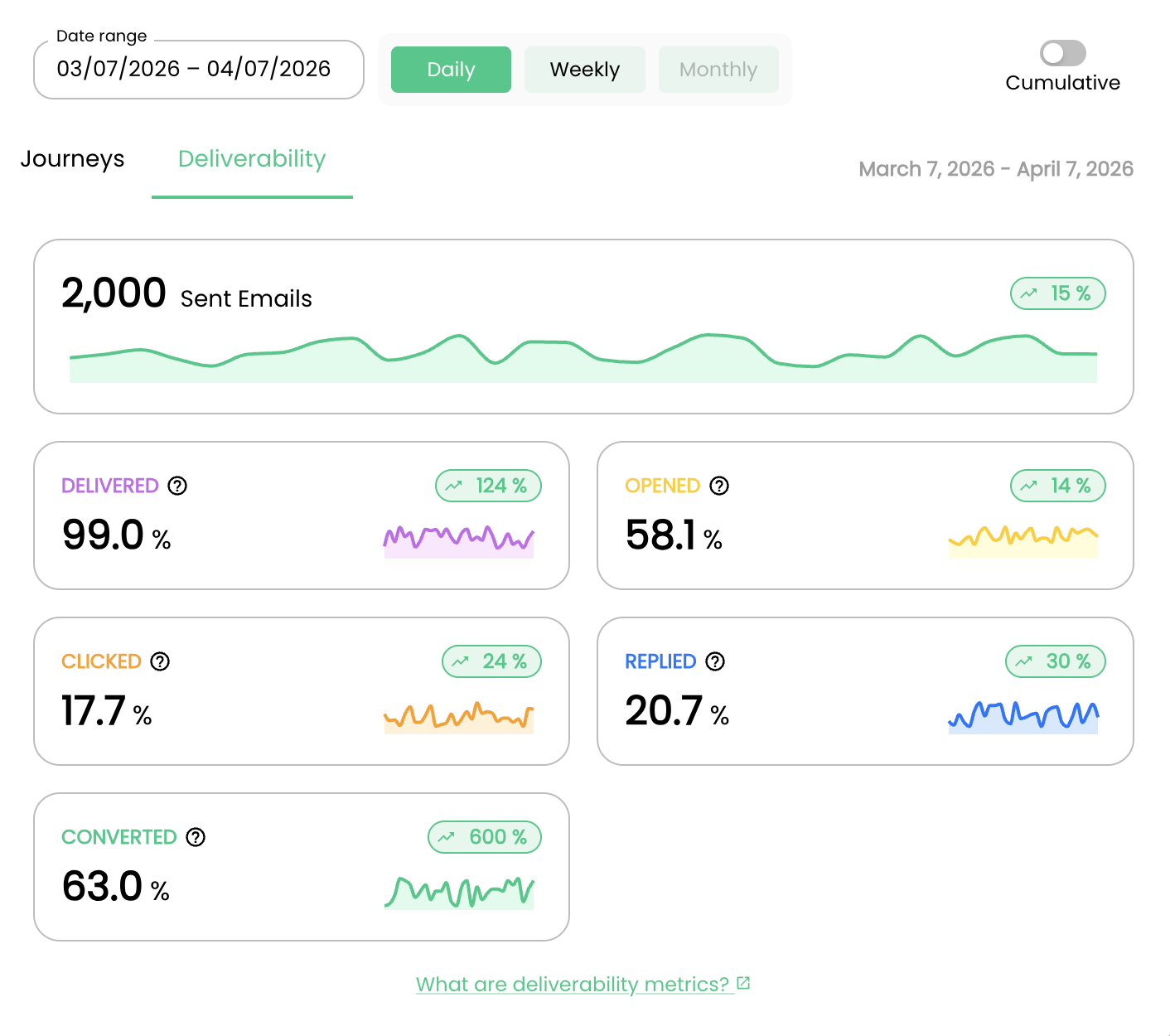
Deliverability metrics show how well your emails are performing, helping you understand which emails are driving better sending results.
